Canva Pro Review – Features, Pricing & Honest Verdict
Published: 11 Dec 2025
Are you struggling to decide whether Canva Pro is really worth the investment? This Canva Pro Review will clear up all your doubts, break down the features, and help you decide whether this premium design tool is the right choice for your needs.
What is Canva Pro?
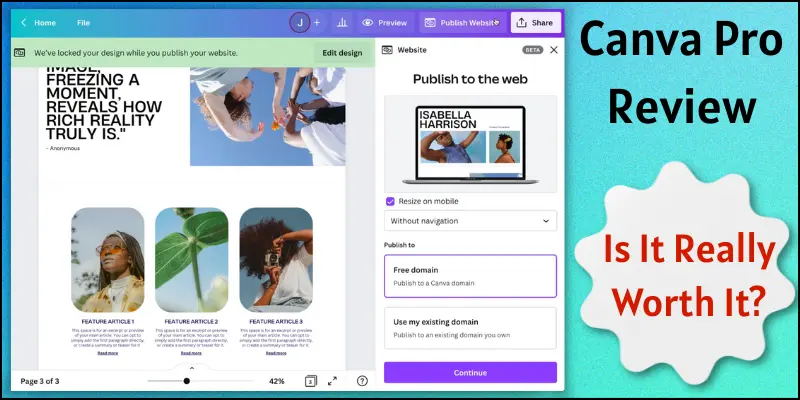
Canva Pro is a premium design tool. It helps you create professional graphics quickly. You get access to thousands of templates, stock photos, and design elements. You can use features like Magic Resize, Brand Kit, and Background Remover. Canva Pro is perfect for beginners, marketers, and small businesses. It makes creating stunning visuals simple, fast, and fun.
Canva Pro Features
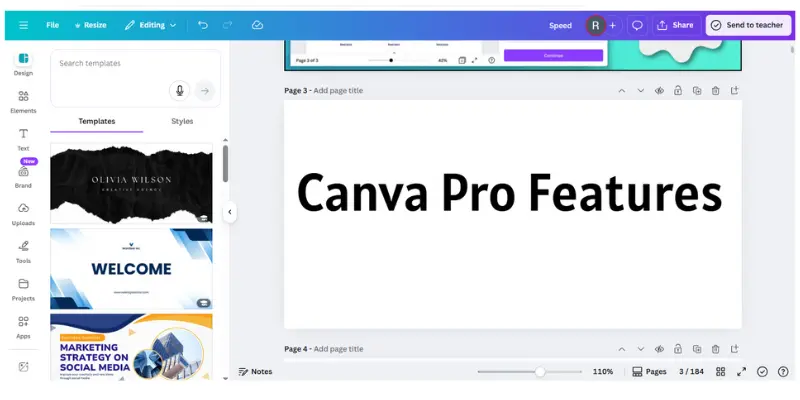
Canva Pro comes with many powerful features that make designing faster and easier. These features help beginners and professionals create stunning designs without hassle.
Key Features of Canva Pro:
- Thousands of Templates: Choose from ready-made designs for every need.
- Magic Resize: Change your design size for different platforms in one click.
- Brand Kit: Keep your logos, colors, and fonts consistent.
- Stock Photos, Videos, and Audio: Access millions of premium media files.
- Background Remover: Remove image backgrounds instantly.
- Animations & GIFs: Add motion to your designs easily.
- Collaboration Tools: Share designs and work with your team.
- Content Planner: Schedule posts and plan your designs ahead.
- Canva Pro Mobile App: Design on the go with your phone or tablet.
- Folders & Storage: Organize your projects with unlimited storage.
- Premium Fonts & Icons: Access exclusive fonts and icons for creativity.
- Export Options: Download your designs in multiple formats easily.
Canva Pro Pricing
Canva Pro offers affordable plans for everyone. You can choose a plan that fits your needs.
1. Canva Pro Individual
- Monthly Plan: $12.99 per month. You can cancel anytime.
- Yearly Plan: $119.99 per year (≈ $9.99 per month).
- Free Trial: Try all features for a limited time without paying.
2. Canva Pro Other Plans
- Canva Pro for Teams: Starts at $14.99 per month per user.
- Canva for Enterprise: Custom pricing for large businesses with advanced features.
3. Special Offers
- Canva sometimes gives discounts on yearly subscriptions.
- Students and educators may get free or discounted access.
Canva Pro is worth the cost for beginners, marketers, and small businesses. It makes creating professional designs fast and easy.
Pros and Cons of Canva Pro
Canva Pro has many features that make designing easy and fun. But like every tool, it also has some limitations. Here are the main advantages and disadvantages:
Advantages
| Pros |
|---|
|
Disadvantages
| Cons |
|---|
|
User Experience
Canva Pro is very easy to use. The interface is clean and simple. Beginners can quickly find templates and tools. Creating designs is fast and smooth. You can drag and drop elements, change colours, and add text in seconds. The mobile app also works well on phones and tablets. You can design on the go.
Overall, Canva Pro makes designing fun, simple, and stress-free.
Canva Customer Support
Canva Pro provides good customer support. You can contact them via email or live chat. They also have a help center with guides and tutorials. Beginners can learn features step by step. Canva has a large community. You can ask questions and get answers from other users.
Overall, Canva Pro support helps you solve problems quickly and learn the tool easily.
Who Should Use Canva Pro?
Canva Pro is great for anyone who wants to create professional-looking designs quickly. It works well for both beginners and small teams.
Who Can Use Canva Pro:
- Small business owners: for marketing materials and social media posts
- Social media marketers: to create engaging content fast
- Bloggers and content creators: for beautiful graphics and videos
- Students and teachers: for presentations and projects
- Freelancers and designers: to save time on repetitive tasks
- Teams and agencies: to collaborate and maintain brand consistency
Use Cases of Canva Pro
Here are some simple, practical ways to use Canva Pro in your daily work. These use cases help beginners understand how Canva Pro makes designing easy.

Use Cases
- Social media posts for Instagram, Facebook, and YouTube
- Business logos, banners, and branding materials
- YouTube thumbnails and video graphics
- Blog featured images and Pinterest pins
- School and college presentations
- Resumes, certificates, and invitation cards
- Marketing materials like flyers and brochures
- Product designs for online stores
- Ads and promotional graphics
- Simple videos and animations
Final Verdict
Alright, everyone, let’s bring this to a close! We have covered the Canva Pro review in depth. From my experience, Canva Pro is perfect for beginners and small businesses who want professional designs quickly. Strongly recommend it to beginners and marketers alike. Click below to start your Canva Pro free trial today!
FAQs about Canva Pro reviews
Yes! If you want professional designs quickly. It saves time and gives access to premium templates, photos, and tools. Beginners and small businesses can design like pros without hiring a designer.
Canva Free has basic templates and limited stock photos. Canva Pro gives unlimited templates, premium media, Magic Resize, and Brand Kit. Pro users get more tools and storage to create professional designs.
Absolutely! Canva Pro is very beginner-friendly. The interface is simple, and most features work with a drag-and-drop system. You don’t need prior design experience.
Yes! Canva Pro works on mobile devices and tablets. You can create, edit, and share designs on the go. The app is fast and easy to use.
Yes! Canva Pro allows real-time collaboration. You can share designs, comment on them, and work together efficiently. It’s perfect for teams and small businesses.
The Brand Kit lets you save your logos, colours, and fonts. This keeps your designs consistent and professional. It’s especially helpful for businesses and marketers.
Yes! Canva sometimes offers discounts on yearly plans. Students and educators may get free or discounted access. Always check the official Canva website for the latest offers.

- Be Respectful
- Stay Relevant
- Stay Positive
- True Feedback
- Encourage Discussion
- Avoid Spamming
- No Fake News
- Don't Copy-Paste
- No Personal Attacks
- Be Respectful
- Stay Relevant
- Stay Positive
- True Feedback
- Encourage Discussion
- Avoid Spamming
- No Fake News
- Don't Copy-Paste
- No Personal Attacks
